
Open a terminal. On macOS it’s called Terminal, on Windows it’s PowerShell, and if you’re on Linux you already have six of them open. Now type this and press Enter:
$ curl -v http://example.com
A wall of text just scrolled past. Some of it was HTML, some of it looked like gibberish with angle brackets in front. Don’t close the window. That wall of text is the web. Not a metaphor for the web, not a simplified model of the web: that is literally what your browser does every time you visit a page, minus the part where it makes things pretty.
By the end of this chapter you’ll be able to read all of it.
Reading the wall
Here’s what came back for me, trimmed a little. Yours will differ in the details.
* Host example.com:80 was resolved.
* IPv4: 104.20.23.154, 172.66.147.243
*   Trying 104.20.23.154:80...
* Connected to example.com (104.20.23.154) port 80
> GET / HTTP/1.1
> Host: example.com
> User-Agent: curl/8.7.1
> Accept: */*
>
< HTTP/1.1 200 OK
< Content-Type: text/html; charset=utf-8
< Date: Sun, 18 Oct 2026 18:15:23 GMT
< Server: cloudflare
<
<!doctype html><html lang=en><head>...<title>Example Domain</title>...
curl -v (“verbose”) marks every line with a little symbol so you know who’s talking:
- Lines starting with
*are curl muttering to itself about what it’s doing. - Lines starting with
>are what your computer sent. - Lines starting with
<are what the other computer sent back.
So the whole exchange, with the muttering removed, is this. Your computer said:
GET / HTTP/1.1
Host: example.com
User-Agent: curl/8.7.1
Accept: */*
And the other computer, a few hundred kilometres away, said:
HTTP/1.1 200 OK
Content-Type: text/html; charset=utf-8

<!doctype html><html>...
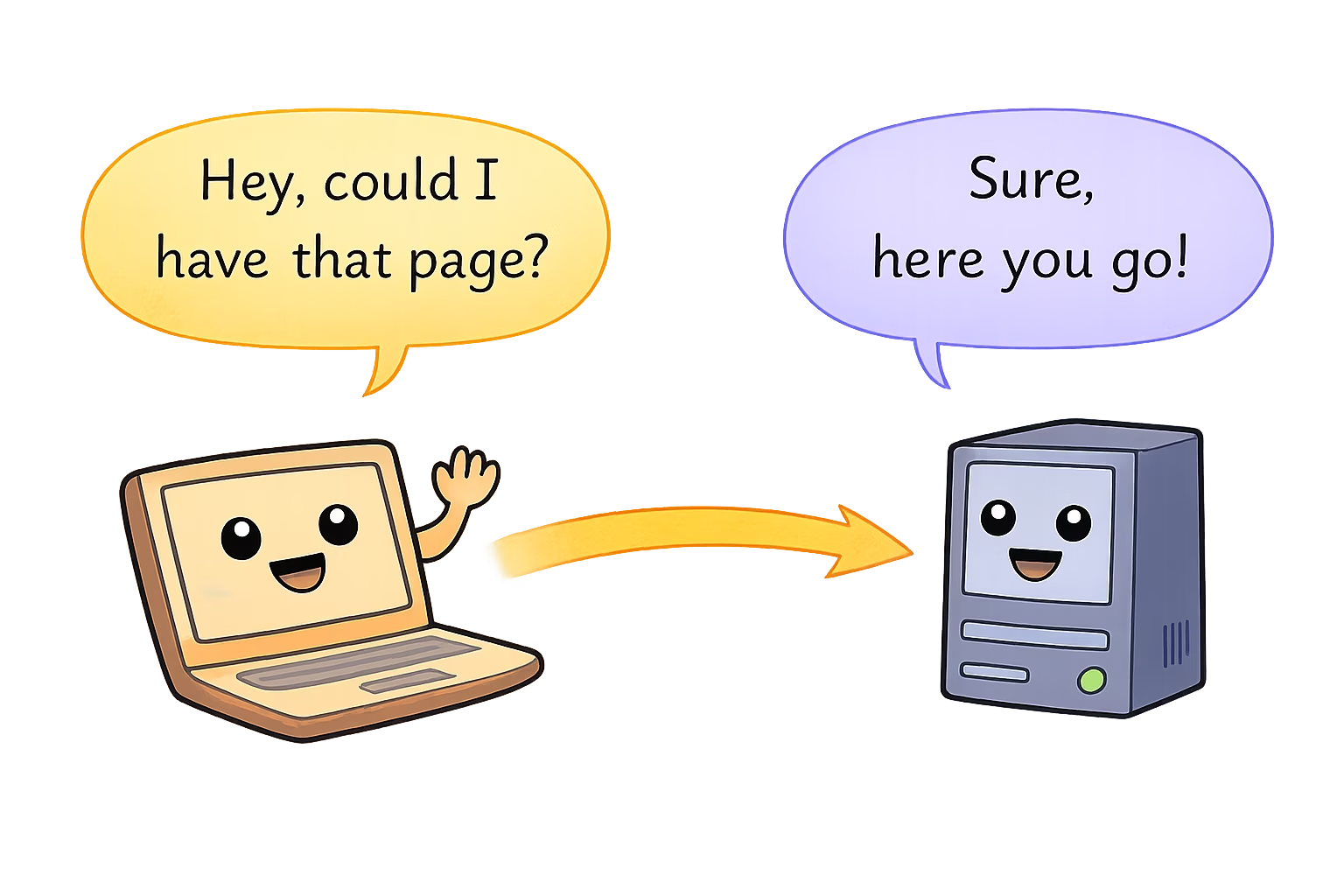
That’s it. That’s the trick. One machine sends a few lines of text asking for something, another machine sends a few lines of text back, followed by the thing that was asked for. Everything else in this book (domain names, servers, proxies, encryption, scaling) exists to make that one exchange happen faster, safer, or for more people at once.
The request, line by line
Look at the first line your computer sent:
GET / HTTP/1.1
Three words. GET is the verb: I would like to get something. / is the thing you want: the path, in this case the very top of the site, the front door. HTTP/1.1 is which version of the rules you’re following, the way you might open a letter with “Dear Sir or Madam” so the reader knows what kind of letter it is.
The lines after that are headers, little Name: value notes stapled to the request.
Host: example.comsays which website you want. This matters more than you’d think, because one computer often hosts hundreds of websites, and it needs to know which one you’re knocking for.User-Agent: curl/8.7.1is your program introducing itself. Browsers put a long, rambling string here that claims to be about four different browsers at once, for historical reasons that are more embarrassing than technical.Accept: */*means “I’ll take whatever you’ve got”. A browser would be fussier and say it prefers HTML.
Then an empty line, which means “I’m done talking”. That blank line is load-bearing. Without it, the server would sit there waiting for you to finish your sentence.
The response, line by line
The answer starts the same way, with one important line:
HTTP/1.1 200 OK
Same rules version, then a number and a phrase. 200 OK means it worked; here’s your thing. You’ve almost certainly met its evil twin, 404 Not Found. Numbers like these are called status codes, and the whole next chapter is about them, because they turn out to be the most expressive part of the conversation.
Then come the response’s own headers. Content-Type: text/html tells your computer what kind of thing is coming, so it knows whether to draw it as a web page, play it as a video, or save it as a PDF. Server: cloudflare is the answering computer introducing itself, which is a small preview of Chapter 6: the machine that answered you was not, strictly speaking, the machine that owns example.com. Someone was standing at the door.
Then another blank line, and then the body: the actual HTML of the page. That’s what your browser would take and turn into the page you see.
What the address bar was hiding
When you type http://example.com/about into a browser, the browser takes that address apart before it does anything else:
http://example.com/about
└┬─┘   └────┬────┘└─┬──┘
 │          │       └── path:   what you want      → goes on the GET line
 │          └────────── host:   who to ask         → goes in the Host header
 └───────────────────── scheme: which rules to use → HTTP
Every piece of the address ends up somewhere in that little text message. The scheme picks the language. The host picks the computer, and also goes in the Host: header. The path goes right after GET. When there’s no path at all, as in http://example.com, the browser asks for /, the front door. (What the server hands you when you ask for the front door is up to the server. Many hand you a file called index.html, which is why you’ll see that name everywhere. More on that in Chapter 4.)
The full name for an address like this is a URL, a Uniform Resource Locator, and that is the last time this book will spell it out.
A browser asks a lot of questions
curl asked one question and got one answer. A browser asks one question, reads the answer, and finds out it needs to ask forty more. The HTML says “there’s an image here, a stylesheet there, a font, a script, another script, a tracking pixel, a second tracking pixel to keep the first one company”, and the browser dutifully sends a separate request for each.
You can watch this happen. In Chrome, Firefox, Edge or Safari:
Each of those rows is the same little conversation: a verb and a path go out, a status and a body come back. The web doesn’t get more complicated than that. It just gets more.
Two questions we skipped
If you were paying attention, two things in that curl output should be bothering you.
First, the line * IPv4: 104.20.23.154. You typed a name, example.com, and before a single word of HTTP was sent, curl had somehow turned it into a number. Who told it that number? (Chapter 3. It’s a better story than you’d expect.)
Second, the answer said 200 OK, and we waved our hands and moved on. But that number is doing a lot of quiet work, and when things go wrong it’s the first thing you’ll look at. So that’s where we go next: what the other computer says back, and all the different ways it can say “no”.